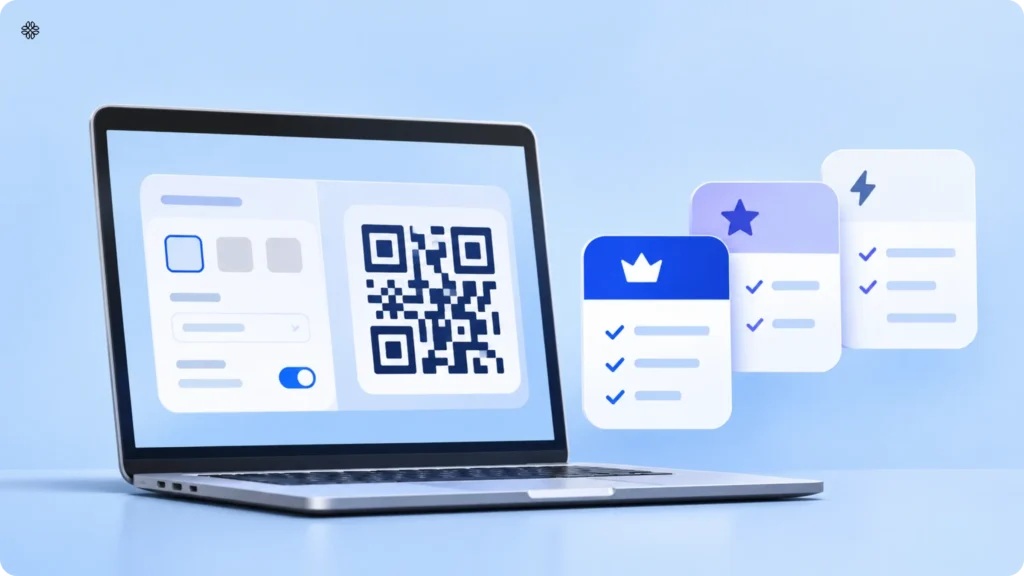
QR codes have become a familiar part of everyday life. Whether someone is making a payment at a local shop, checking a restaurant menu, connecting to Wi-Fi or opening a website, scanning a small square code can make the entire process easier. A few years ago, QR codes were not something everyone used regularly. Today, they are found on product packaging, business cards, advertisements, tickets, posters and even household items. Instead of typing a long website address or searching for information manually, people can simply point their phone camera at a QR code and access the required information. This is where a QR Code Generator becomes useful. It allows users to turn information such as website URLs, contact details, text or Wi-Fi credentials into a scannable code. The process is usually quick and does not require advanced technical knowledge.
But QR codes are not just for businesses or technology experts. Students, shop owners, content creators, event organisers and everyday users can also benefit from them.
Let’s understand how a QR Code Generator works, what it can create and how it can make everyday tasks more convenient.
What Is a QR Code Generator?
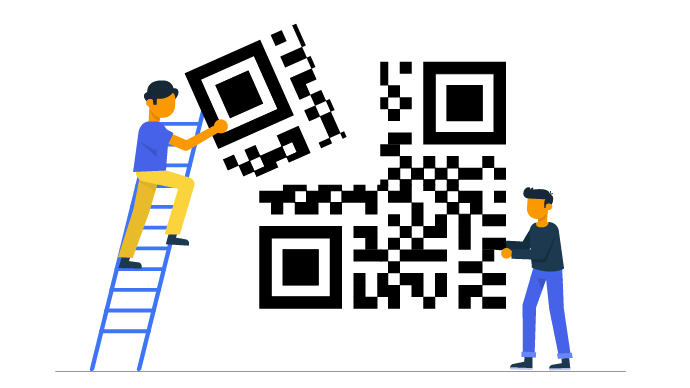
A QR Code Generator is an online tool or software that converts information into a QR (Quick Response) code. This code contains a pattern of black and white squares that can be scanned using a smartphone camera or a QR scanning application.
Once scanned, the code directs users to the information stored inside it.
For example, imagine a small business owner who wants customers to visit their website. Instead of printing a long web address on every flyer, they can create a QR code that opens the website directly when scanned.
Similarly, a student can create a QR code containing a presentation link, while someone hosting an event can use one to share registration details.
In simple words, a QR Code Generator turns information into a format that people can access with a quick scan.
How Does a QR Code Look?
A standard QR code contains several visual elements:
- Square patterns: Small black and white blocks that represent encoded information.
- Position markers: Larger square patterns near three corners that help scanners identify the code’s position.
- Data patterns: The smaller squares that store the encoded information.
- Quiet zone: A clear space around the code that helps scanning devices recognition it.
These elements work together to make QR codes readable by compatible devices.
How Does a QR Code Generator Work?
Creating a QR code may look technical, but the actual process is quite simple. Users provide the information they want to share, and the generator converts it into a scannable pattern.
Here’s how the process generally works:
Step 1: Choose the Information Type
First, decide what you want the QR code to contain.
It could be:
- A website address
- A contact number
- An email address
- Plain text
- Wi-Fi connection details
- A location
- A document or file-sharing destination
Step 2: Enter the Required Information
Add the information into the generator’s input field.
For example, if you want to create a QR code for a website, enter its web address. If you want to share Wi-Fi details, provide the network name and password in the appropriate fields.
Step 3: Generate the QR Code
After entering the details, select the generate option. The tool processes the information and creates a QR code.
Step 4: Customize the Design
Some QR Code Generators offer customization features. Depending on the tool, users may be able to change:
- Code colours
- Background colours
- Square patterns
- Corner designs
- Logo placement
However, customization should never make the code difficult to scan.
Step 5: Download and Test
Once the QR code is ready, download it in a supported image format.
Before printing or sharing it, scan the code using a smartphone to confirm that it opens the correct information.
Different Types of QR Codes You Can Create
Not every QR code serves the same purpose. Some are designed to open websites, while others help people share contact details, connect to networks or access specific information.
Here are some common types of QR codes.
1. Website QR Code
This type takes users directly to a website or webpage. Businesses and content creators often use it to make online information easier to access.
2. Menu QR Code
Restaurants can use QR codes to share digital menus. Customers scan the code and view available food items without needing a printed menu.
3. Contact QR Code
It can store contact information such as a person’s name, phone number, email address and other details, making contact sharing more convenient.
4. Wi-Fi QR Code
This code can store Wi-Fi network details. Compatible smartphones can use it to connect to a network without manually entering the password.
5. Event QR Code
Event organisers can use QR codes to share event information, registration details and ticket-related information.
6. Product QR Code
Product packaging can include QR codes that direct customers to product information, instructions, specifications or additional resources.
Why Are QR Code Generators Useful in Everyday Life?
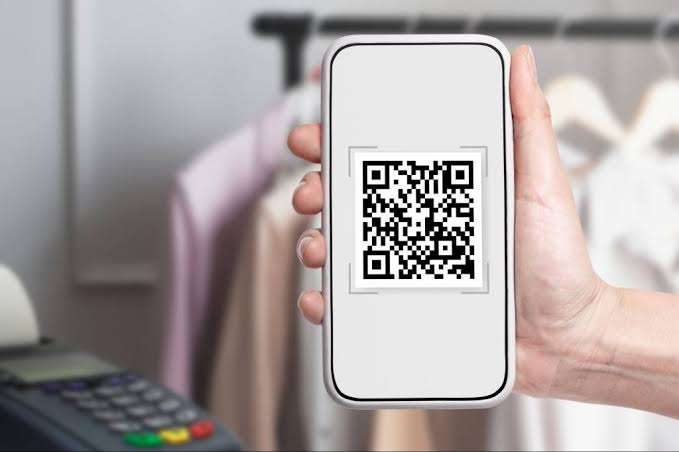
The biggest advantage of QR codes is convenience. They reduce the effort involved in sharing and accessing information.
Something that might require typing, searching or exchanging multiple messages can sometimes be completed with one scan.
Here are some practical benefits.
1. Faster Information Sharing
Sharing long website addresses or contact details manually can be inconvenient. A QR code provides a simpler alternative.
People can scan the code and access the required information without typing everything themselves.
2. Less Dependence on Printed Material
Businesses can use QR codes to share digital menus, product information and brochures.
This can reduce the need to print multiple copies whenever information changes.
3. Easy Contact Sharing
Professionals can add QR codes to business cards, presentations or promotional materials.
It gives people another convenient way to save contact information.
4. Better Customer Convenience
Customers often prefer quick access to information. QR codes can help them view menus, product details, payment instructions and other useful information.
5. Useful for Learning and Education
Teachers and students can use QR codes to share study materials, presentations, educational videos and classroom resources.
Instead of distributing long links, they can provide one code that students can scan.
QR Code Generator: Common Uses Across Different Fields
QR codes are no longer limited to a particular industry. Their flexibility makes them useful in several professional and personal situations.
| Field | How QR Codes Are Used |
| Education | Sharing notes, assignments and learning materials |
| Retail | Displaying product information and offers |
| Restaurants | Providing digital menus |
| Healthcare | Sharing appointment and patient information |
| Events | Ticket verification and registration |
| Marketing | Directing customers to campaigns and websites |
| Real Estate | Sharing property details and listings |
| Personal Use | Sharing contact details and Wi-Fi information |
This wide range of applications shows why QR Code Generators have become useful digital tools for different types of users.
Static vs Dynamic QR Codes: What’s the Difference?
When choosing a QR Code Generator, users may come across two common options: static and dynamic QR codes.
Although both look similar, they work differently.
| Feature | Static QR Code | Dynamic QR Code |
| Information | Stored directly in the code | Uses a redirecting destination |
| Editing | Cannot directly change stored information | Destination can often be updated |
| Internet | Depends on the encoded content | Usually requires internet for redirected content |
| Tracking | Generally does not provide scan analytics | May offer scan tracking |
| Cost | Often available for free | May require a paid plan |
| Best For | Permanent information | Campaigns and changing destinations |
Which One Should You Choose?
The right option depends on how you plan to use the QR code.
Choose a static QR code if:
- You want to share permanent information.
- You need a simple QR code for personal use.
- You do not require scan analytics.
- You want to avoid ongoing subscription costs.
Choose a dynamic QR code if:
- You want to update the destination later.
- You need to track scanning activity.
- You are managing marketing campaigns.
- You want more flexibility for business use.
One important thing to remember is that dynamic QR codes may depend on the generator’s service or subscription. Always check the provider’s terms before using one for important materials.
Features to Look for in a Good QR Code Generator
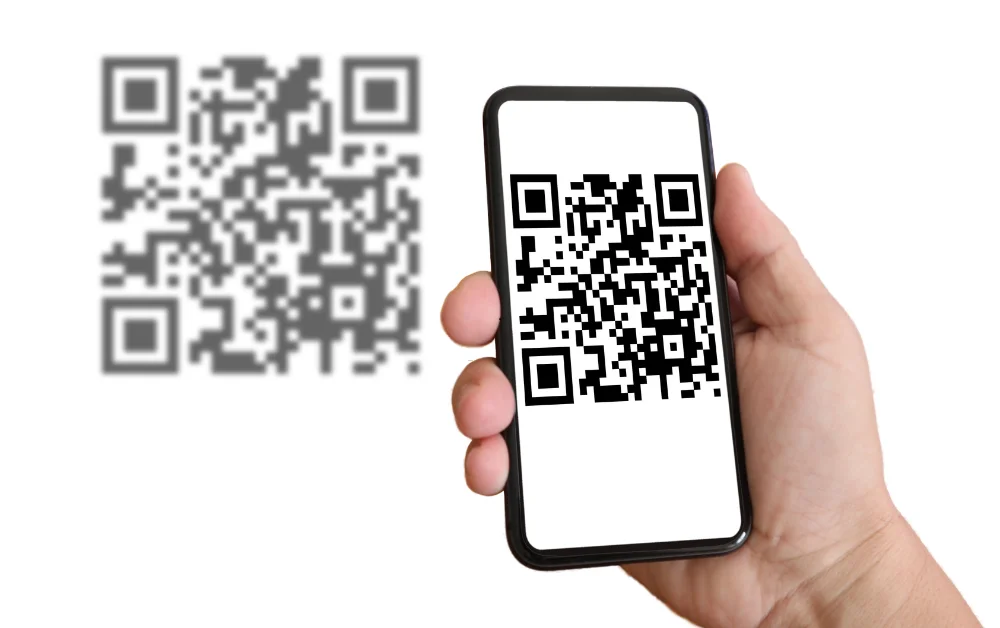
Not every QR Code Generator offers the same experience. Some provide only basic code creation, while others include design options and additional management features.
Before choosing a tool, consider the following features.
Easy-to-Use Interface
A good generator should be simple to understand. Users should be able to select a QR code type, enter information and generate the code without navigating complicated menus.
Multiple QR Code Formats
Having different QR code options makes a tool more useful.
Look for support for:
- Website URLs
- Text
- Phone numbers
- Wi-Fi information
- Contact details
Customization Options
Customization can help match the QR code with a business identity or personal design preference.
Useful options may include co lour changes, logos and different pattern styles.
Download Options
A reliable tool should offer convenient download formats.
| Format | Common Use |
| PNG | Websites, presentations and digital sharing |
| JPG | General image use |
| SVG | Scalable graphics and professional printing |
| Documents and printable materials |
The available formats depend on the generator.
Security and Privacy
Users should check how the tool handles submitted information, especially when creating QR codes containing contact or Wi-Fi details.
A trustworthy tool should explain its privacy practices clearly.
Common Mistakes to Avoid When Creating QR Codes
Creating a QR code is easy, but a few small mistakes can make it difficult for people to scan.
Here are some problems worth avoiding.
- Using very small codes: A tiny QR code may become difficult to scan, especially when printed.
- Choosing poor co lour combinations: Low contrast between the code and background can affect readability.
- Adding too many design elements: Excessive customization may interfere with scanning.
- Skipping the testing process: Always scan the code before publishing or printing it.
- Using incorrect information: Double-check the website address or other details before generating the code.
- Ignoring privacy: Avoid encoding confidential information that should not be publicly accessible.
- Placing codes on unsuitable surfaces: Curved, reflective or damaged surfaces may make scanning difficult.
A simple, properly tested QR code is often more useful than an overly decorative one.
How to Make Your QR Code Easy to Scan
A QR code is useful only when people can scan it without unnecessary difficulty.
Whether you are creating one for a business card, poster, product or personal project, keep these practical tips in mind:
- Maintain a strong contrast between the code and its background.
- Leave enough empty space around the code.
- Avoid stretching or distorting the image.
- Use a suitable image resolution.
- Choose a reasonable size according to where it will be displayed.
- Test the code on different smartphones.
- Make sure the destination works correctly.
- Add a short instruction such as “Scan to View Menu” or “Scan to Visit Website.”
These small steps can improve the overall scanning experience.
Are Free QR Code Generators Worth Using?
Yes, free QR Code Generators can be a practical option for people who need basic QR codes.
For personal projects, students, small businesses and occasional use, a free tool may provide everything necessary.
However, free plans and paid plans can offer different features.
| Feature | Free Generator | Paid Generator |
| Basic QR Creation | Often available | Available |
| Static QR Codes | Commonly available | Available |
| Custom Designs | May be limited | Often offers more options |
| Dynamic QR Codes | Depends on provider | Commonly offered |
| Scan Analytics | Usually limited | Often available |
| Bulk Creation | May be restricted | May be supported |
| Customer Support | Varies | May include additional support |
Before selecting a free or paid option, check whether the code expires, whether a subscription is required and whether any scanning limits apply.
Free does not automatically mean unreliable, and paid does not automatically mean better. The right choice depends on your actual requirements.
QR Codes and Digital Convenience: What Does the Future Look Like?
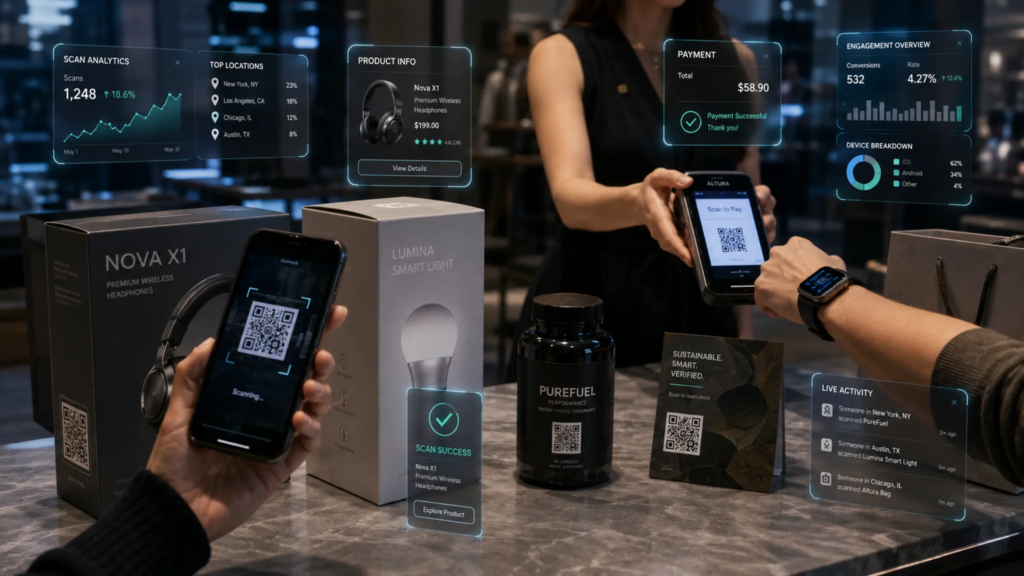
QR codes have already changed the way people access everyday information. Their usefulness comes from a simple idea: making digital information available without requiring users to type or search for it manually.
As businesses and individuals continue adopting digital solutions, QR codes may become even more common across different industries.
Some areas where their use can continue growing include:
- Smart retail experiences: Helping customers access product details and digital shopping information.
- Digital education: Making learning resources easier to share inside and outside classrooms.
- Contactless experiences: Supporting digital menus, registration and information access.
- Business communication: Making websites, portfolios and contact information easier to share.
- Product information: Connecting physical products with digital instructions and additional details.
However, QR codes are not a replacement for every digital interaction. They work best when the information is useful, the destination is reliable and users can access it safely.
Things to Check Before Sharing a QR Code
Before using your newly generated QR code, take a moment to review these details.
| Checklist | What to Verify |
| Correct Destination | Does it open the intended page? |
| Scanning Quality | Can different phones scan it easily? |
| Image Quality | Is the downloaded file clear? |
| Code Size | Is it suitable for the display or print material? |
| Privacy | Does it expose any sensitive information? |
| Expiration | Will the code continue working as expected? |
| Design | Is the code easy to recognise and scan? |
This quick review can prevent unnecessary problems after the QR code has been printed or shared.
A QR Code Generator may seem like a small digital tool, but it solves a problem that people face regularly: sharing information quickly and conveniently.
From restaurant menus and business cards to classroom materials and product packaging, QR codes have found a place in many everyday activities. Their biggest advantage is that users do not need special technical skills to create or scan them.
The best part is that creating a QR code does not have to be complicated. Choose the information, enter the details, generate the code and test it before sharing.
Whether you are a student preparing a project, a business owner connecting with customers or simply someone looking for an easier way to share information, a QR Code Generator can be a useful addition to your everyday digital toolkit.
Sometimes, a small square code is all it takes to make information easier to access.
Frequently Asked Questions
1. What is a QR Code Generator?
A QR Code Generator is a digital tool that converts information such as website links, contact details and text into scannable QR codes.
2. Can I create a QR code for free?
Yes, many QR Code Generators offer free QR code creation. Basic features are generally enough for personal use and simple sharing needs.
3. What is the difference between static and dynamic QR codes?
Static QR codes store fixed information, while dynamic QR codes allow users to update the destination and may provide scan analytics.
4. Can QR codes be used for business purposes?
Yes, businesses can use QR codes for digital menus, product details, customer information, marketing campaigns and contact sharing.
5. Do QR codes expire after being created?
Static QR codes generally do not expire, but dynamic QR codes may depend on the provider’s subscription, service and usage conditions.