Buying a new laptop can feel confusing. How to choose the best laptop There are so many brands, processors, screen sizes, RAM options, storage types, and features available today. A laptop that is perfect for a student may not be the right choice for a video editor or a gamer.
The good news is that you do not need to understand every technical specification before buying a laptop. You simply need to know what you will use it for and which features matter most for your daily work.
In this guide, we will explain how to choose the best laptop for your needs in 2026 in a simple and practical way.
1. Decide What You Will Use the Laptop For
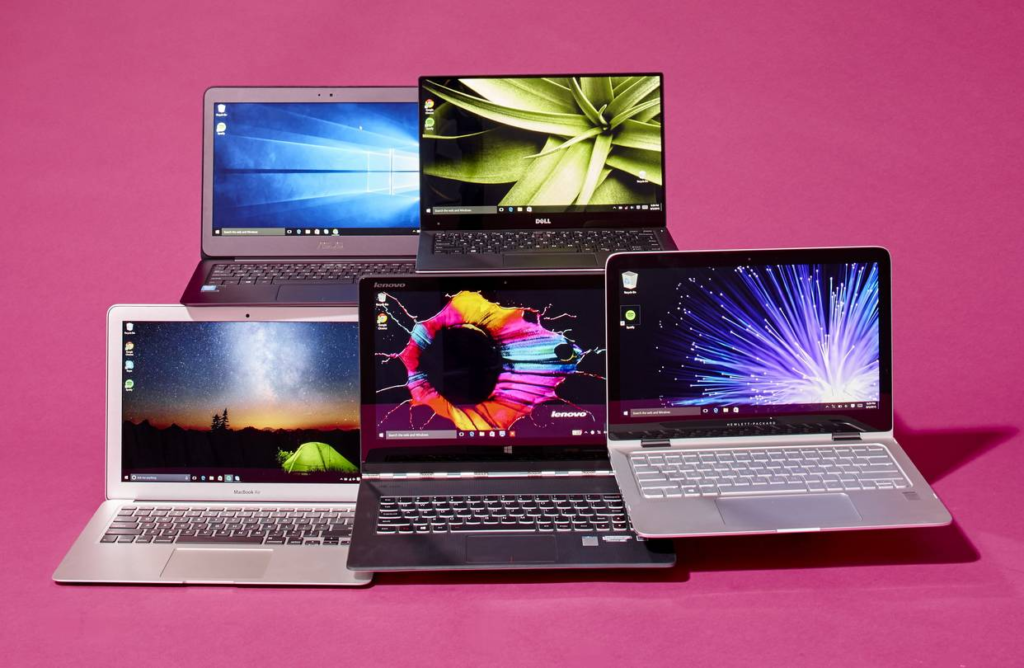
The first and most important step is to understand your main purpose.
Think about how you will use your laptop every day.
For Students
If you are a student, you may mainly need a laptop for:
- Online classes
- Microsoft Office
- Browsing the internet
- Research and assignments
- Watching videos
- Creating presentations
- Basic photo editing
For these tasks, you do not necessarily need an expensive high-end laptop. A good processor, 8GB or 16GB RAM and an SSD can provide a comfortable experience.
For Office and Work

For office work, look for a laptop that is comfortable for long working sessions. Good battery life, a comfortable keyboard, enough RAM and a sharp display can make everyday work easier.
If you regularly work with multiple browser tabs, spreadsheets and applications, choosing 16GB RAM can be a sensible option.
For Content Creators
If you edit photos, videos or create other digital content, performance becomes more important.
Look for:
- A powerful processor
- 16GB RAM or more
- Fast SSD storage
- A good-quality display
- Dedicated graphics when your software requires it
Microsoft’s laptop buying guidance also recommends more capable processors, higher memory and dedicated graphics for demanding creative workloads.
For Gaming
Gaming laptops usually need stronger processors, more RAM and a dedicated graphics card.
For modern gaming, 16GB RAM is a useful starting point, while storage of 512GB or more can be helpful because modern games can take up a lot of space.
2. Choose the Right Processor

The processor, also called the CPU, is one of the most important parts of a laptop.
It affects how quickly your laptop can handle different tasks.
You may see processors from Intel, AMD, Apple and Qualcomm. Instead of choosing a laptop simply because the processor name sounds impressive, think about your actual workload.
For everyday activities such as browsing, documents and video calls, a modern entry-level or mid-range processor may be enough.
For heavier multitasking, editing, programming or gaming, you should consider a more powerful processor.
Simple tip: Do not spend extra money on a powerful CPU if you only plan to use your laptop for basic tasks.
3. How Much RAM Do You Need?
RAM helps your laptop handle multiple applications and tasks at the same time.
For basic browsing and everyday work, 8GB can be enough. For heavier multitasking, creative work and gaming, 16GB is a better target. Microsoft currently recommends around 8GB–16GB for many general PC users, with higher amounts for more demanding workloads.
Here is a simple guide:
| Laptop Use | Suggested RAM |
|---|---|
| Basic browsing | 8GB |
| Students | 8GB–16GB |
| Office work | 8GB–16GB |
| Programming | 16GB |
| Photo/video editing | 16GB+ |
| Gaming | 16GB+ |
| Advanced professional work | 32GB+ |
If you want your laptop to remain useful for several years, choosing 16GB can be a more comfortable option.
4. Check the Storage
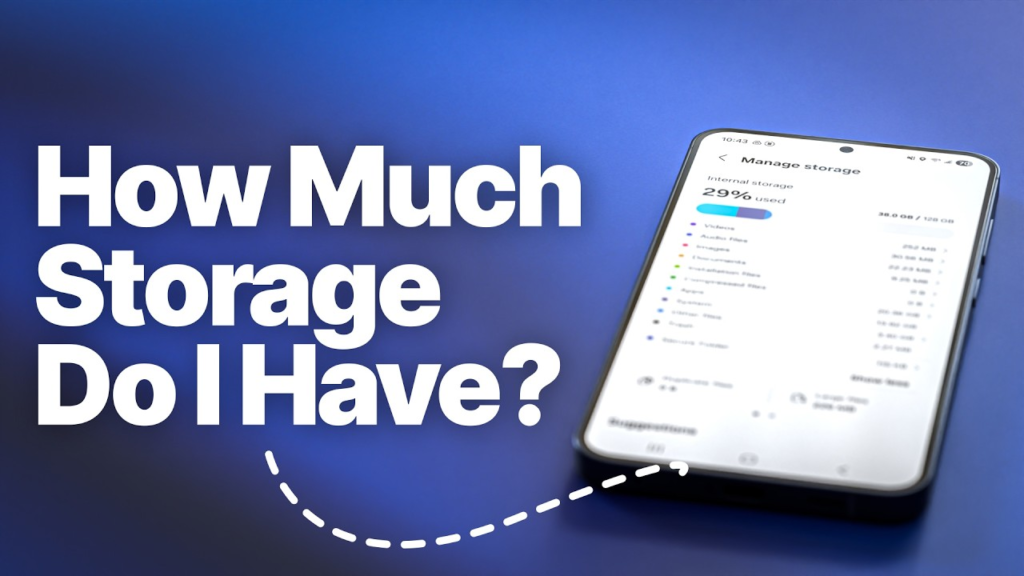
Storage is where your files, applications, photos and videos are saved.
Modern laptops commonly use SSDs because they offer fast access and quick startup compared with traditional hard drives.
Which storage size should you choose?
- 256GB: Suitable for light users who use cloud storage.
- 512GB: A good choice for many students and professionals.
- 1TB: Better for people who keep lots of photos, videos, software or games.
- 2TB or more: Useful for heavy users with large files.
For most people, 512GB SSD storage offers a good balance between space and everyday convenience.
5. Choose the Right Screen Size

Laptop screen size affects both comfort and portability.
13–14 inches
Good for people who travel frequently and want something lightweight.
15–16 inches
A great option if you want more screen space for work, study, entertainment or editing.
Larger screens
These can be useful for gaming and professional creative work, but they are usually less convenient to carry.
The best screen size depends on your lifestyle. If you carry your laptop to college or work every day, portability may be more important than having the biggest screen.
6. Pay Attention to Display Quality
A good display can make a laptop much more enjoyable to use.
At minimum, look for a comfortable resolution such as Full HD for everyday use. Higher resolutions such as QHD or 4K can be useful for creators and people who want extra image detail.
Also consider:
- Brightness
- Colour accuracy
- Refresh rate
- Viewing angles
- OLED vs LCD
- Touchscreen support
For regular office work and study, you do not always need the most expensive display. For photo editing, video editing and gaming, display quality becomes much more important.
7. Don’t Ignore Battery Life
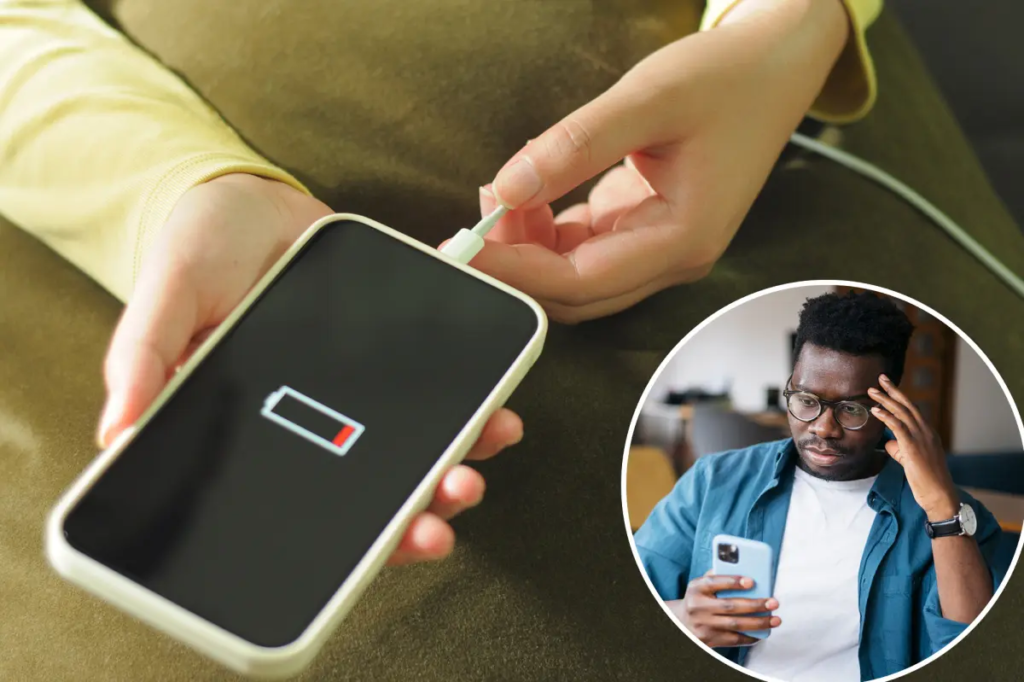
Battery life matters, especially if you work or study away from a power socket.
Think about where you normally use your laptop. If you spend most of your time at home, battery life may not be your biggest concern. But if you travel, attend classes or work from different locations, a longer-lasting battery can make a big difference.
Remember that advertised battery life and real-world battery life can differ depending on brightness, applications and usage.
8. Look at the Keyboard and Trackpad
Specifications are important, but comfort matters too.
If you type for several hours every day, a comfortable keyboard can improve your overall experience.
Before buying, check:
- Key spacing
- Key travel
- Backlit keyboard
- Trackpad size
- Trackpad responsiveness
- Fingerprint reader, if needed
A laptop with excellent specifications is not very useful if it feels uncomfortable to use every day.
9. Check the Ports and Connectivity

Do not forget to check which ports are included.
Depending on your needs, you may want:
- USB-A
- USB-C
- HDMI
- Headphone jack
- SD or microSD card slot
- Wi-Fi
- Bluetooth
This is especially important if you connect external monitors, cameras, hard drives or other accessories.
10. Do You Need an AI Laptop?
AI-focused laptops are becoming more common in 2026. Some newer computers include an NPU, or Neural Processing Unit, designed to handle certain AI-related tasks efficiently. Microsoft describes NPUs as specialised chips for machine-learning workloads.
But you should not buy an AI laptop simply because the word “AI” appears on the box.
Ask yourself:
Will I actually use the AI features?
If you mainly browse the internet, attend classes and create documents, you may not need to pay a premium just for AI features.
For people who regularly use AI tools, creative applications or supported on-device AI features, an NPU can become more useful.
11. Choose the Right Operating System

You will mainly come across Windows, macOS and ChromeOS.
Windows
A flexible choice with a large range of laptops and software.
macOS
Popular among people who prefer Apple’s ecosystem and want a premium laptop experience.
ChromeOS
Simple and lightweight, particularly suitable for browsing, online learning and basic productivity.
Choose the operating system based on the software you use and the devices you already own.
12. Set Your Budget Before Shopping
One of the easiest ways to avoid overspending is to decide your budget before looking at laptops.
Do not buy the most expensive laptop just because it has better specifications.
Instead, ask:
What features do I actually need?
For example, a student may not need a premium gaming laptop. Similarly, a professional video editor may need to spend more on performance, storage and graphics.
Your budget should match your workload.
13. Think About Portability

If you carry your laptop every day, weight matters.
A lightweight laptop can be easier to carry to:
- College
- Office
- Meetings
- Cafés
- Libraries
- Travel
If your laptop mostly stays on your desk, you can prioritise screen size and performance instead.
Microsoft also notes that lifestyle, mobility, space and battery life can be more important than simply comparing processor names.
14. Check Build Quality and Durability
A laptop is a long-term purchase, so build quality should not be ignored.
Look for a sturdy design, reliable hinges and a comfortable keyboard.
If you travel frequently, a strong and lightweight body can be more useful than a flashy design.
Also check the warranty and service options available in your area before purchasing.
15. Don’t Buy a Laptop Only Because It Is Popular

A laptop can have thousands of positive reviews and still be wrong for you.
Instead of asking:
“What is the most popular laptop?”
Ask:
“What is the best laptop for the way I work?”
This small change in thinking can help you make a much smarter purchase.
Quick Laptop Buying Checklist
Before buying your laptop, check these points:
| Feature | What to Consider |
|---|---|
| Processor | Match it to your workload |
| RAM | 8GB for basic use, 16GB for heavier tasks |
| Storage | 512GB is a useful starting point for many users |
| Display | Full HD or better for comfortable everyday use |
| Battery | Important if you travel or study outside |
| Weight | Choose based on how often you carry it |
| Keyboard | Check comfort and layout |
| Ports | Make sure your accessories are supported |
| Graphics | Important for gaming and creative work |
| Operating System | Choose based on your software and preferences |
| Warranty | Check support before buying |
Common Mistakes to Avoid
Buying too much power
You do not need a gaming-level laptop for simple browsing and documents.
Choosing storage that’s too small
A cheap laptop with very little storage may become frustrating when your files and applications grow.
Ignoring the display
You may spend hours looking at the screen, so display quality matters.
Forgetting portability
A large and heavy laptop can become inconvenient if you carry it every day.
Focusing only on the processor
CPU performance is important, but RAM, storage, display, battery and overall design also affect the experience.
Final Thoughts
Choosing the best laptop in 2026 is not about finding the laptop with the biggest numbers. It is about finding the right balance between performance, price, portability, battery life and features.
Start by deciding what you will use the laptop for. Then choose the processor, RAM, storage, display and other features according to those needs.
For many everyday users, a modern mid-range processor, 8GB–16GB RAM and an SSD can provide a solid experience. People doing gaming, video editing, professional creative work or advanced AI tasks may need more powerful hardware.
Most importantly, do not let complicated specifications confuse you. Once you understand your own needs, choosing the right laptop becomes much easier.
FAQs
1. How do I choose the best laptop for my needs?
Start by deciding what you will use the laptop for, such as studying, office work, gaming, editing or everyday browsing. Then compare the processor, RAM, storage, display, battery life and price.
2. How much RAM is enough for a laptop?
For basic tasks, 8GB RAM can be enough. If you regularly multitask, edit photos or videos, or use demanding applications, 16GB or more can be a better choice.
3. Is 512GB SSD enough for a laptop?
Yes. A 512GB SSD is a good option for many students and everyday users. If you store lots of videos, games or large files, you may want 1TB or more.
4. Which processor is best for a laptop?
The best processor depends on your workload. A mid-range processor is generally suitable for everyday work, while demanding tasks such as video editing and gaming may require more powerful hardware.
5. What screen size is best for a laptop?
A 13–14-inch laptop is convenient for portability, while a 15–16-inch screen provides more space for work, entertainment and editing
Smart Shopping Ideas for Better Deals and Everyday Savings
Look, let’s stop playing around with fancy headers, corporate blog structures, and robot transitions. Smart…
Useful Tech & Gadgets You’ll Want to Try in 2026
Let’s be completely real for a second. If you look at tech magazines, gadget review…

Simple Smart Living Ideas to Make Everyday Life Easier
Life does not always have to be complicated. Sometimes, a few small changes in the…
Helpful Digital Life Tips for Modern Everyday Living
Technology has quietly become part of our everyday routine. Digital Life We use our phones…

Fun Experiences and New Adventures Worth Trying in 2026
Sometimes, life starts feeling a little too predictable. We wake up, Experiences go to work…

Simple Style & Wellness Tips to Upgrade Your Everyday Lifestyle
Let’s stop rushing for just a single second. Seriously. Style & Wellness Put your phone…