
We use the internet for almost everything today. Online Privacy Tips We send messages, shop online, use social media, watch videos, make payments, study, work, and store personal photos and documents online. While all of this makes life easier, it also means that a lot of our personal information is shared through digital platforms.
Your name, email address, phone number, location, photos, passwords, and payment information can all be valuable. This is why online privacy has become an important part of everyday digital life.
The good news is that protecting your personal information does not have to be difficult. A few simple habits can make your online experience much safer. You can start by using strong passwords, checking privacy settings, avoiding suspicious links, being careful about what you share, and keeping your devices updated.
In this blog, we will look at simple and practical online privacy tips that anyone can follow.
What Is Online Privacy?
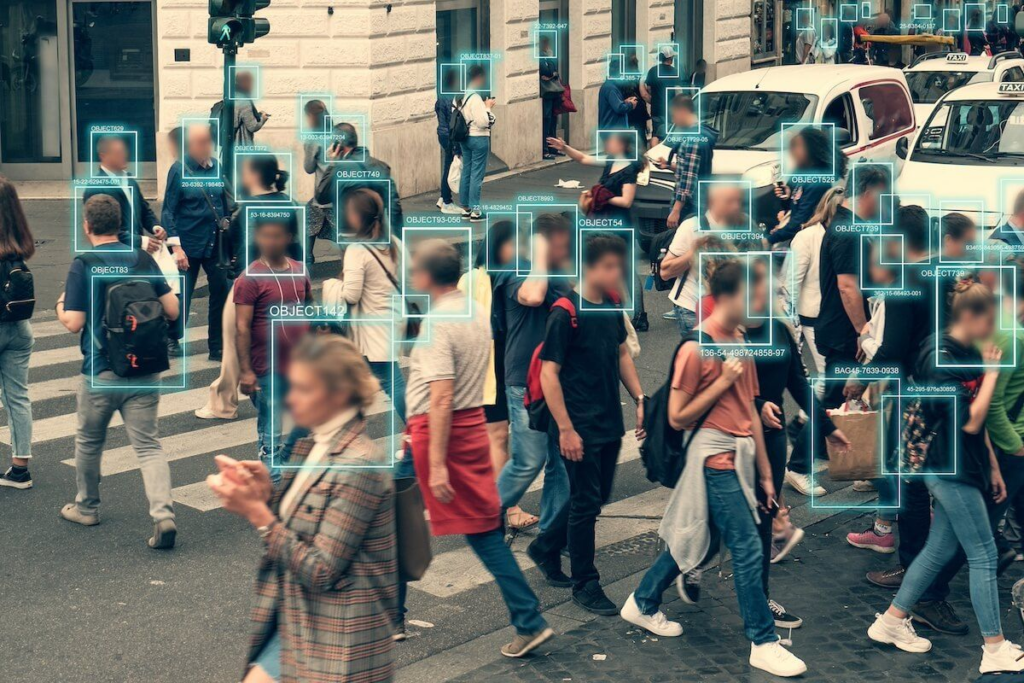
Online privacy means having control over your personal information when you use the internet. It is about understanding what information you share, who can access it, and how it may be used.
For example, when you create a social media account, an online shopping account, or a mobile app account, you may be asked to provide information. Some of that information may be necessary, while some requests may not be.
Protecting your online privacy means thinking carefully before sharing information and checking the privacy choices available to you.
Why Is Online Privacy Important?
Personal information can be used for many legitimate purposes, but it can also be misused if it falls into the wrong hands.
Imagine someone gets access to your email account. They may be able to see personal conversations, reset passwords for other accounts, or access information connected to your account.
Similarly, sharing too much information publicly on social media can make it easier for strangers to learn about your daily routine.
Online privacy helps you stay more aware and in control of your digital information.
1. Use Strong and Unique Passwords
One of the easiest ways to protect your personal information is to use strong passwords.
Avoid simple passwords based on your name, birthday, phone number, or other information that people may easily guess.
It is also important not to use the same password for every account. If one account is compromised, reused passwords can put other accounts at risk.
For example, your email account, banking account, and social media accounts should have different passwords.
A password manager can also help you create and store strong passwords more conveniently.
2. Turn On Two-Factor Authentication
Two-factor authentication, or 2FA, gives your account an extra layer of security.
With 2FA enabled, you usually need something more than just your password to sign in. This could be a verification code, an authentication app, or another approved method.
For example, even if someone somehow gets your password, they may still be unable to access your account without the second verification step.
Use 2FA on important accounts whenever a trustworthy option is available.
3. Be Careful About What You Share on Social Media
Social media is a great way to stay connected, but sharing too much personal information can affect your privacy.
Avoid publicly posting sensitive details such as your home address, financial information, passwords, or personal documents.
Be careful about sharing your exact location or announcing that your home will be empty for several days.
For example, instead of posting your travel plans before you leave, you may prefer to share your photos after returning.
4. Check Your Privacy Settings
Many websites and apps give you control over who can see your information.
Take a few minutes to review privacy settings on your social media accounts, email accounts, and other important services.
You may be able to control who can view your profile, contact you, tag you, or access certain information.
Privacy settings can change when apps are updated, so it is a good idea to review them occasionally.
5. Think Before Clicking on Links
Suspicious links are a common way to trick people into giving away personal information.
You may receive a message claiming that you have won a prize, your account needs urgent verification, or a parcel is waiting for you.
Instead of clicking immediately, check the sender and the destination of the link.
For example, if a message appears to come from your bank, open the official banking app or website yourself rather than following an unexpected link in a message.
A few seconds of checking can prevent a lot of trouble.
6. Be Careful With Personal Information
Do not share personal information simply because a website or person asks for it.
Before providing your phone number, address, identification details, or other information, ask yourself why it is needed and whether the source is trustworthy.
You should be especially careful when someone asks for passwords, payment information, or security codes.
Never share one-time passwords or account verification codes with strangers.
7. Keep Your Apps and Devices Updated

Software updates can include important security improvements.
When you delay updates for too long, your device may miss fixes for known security problems.
Keep your phone, computer, browser, and important apps updated whenever practical. Download applications from trusted app stores and remove apps you no longer use.
For example, if your phone displays a system security update, installing it can help keep your device better protected.
8. Use Secure Websites
Before entering sensitive information on a website, check that you are using the correct website and a secure connection.
Be cautious when a website looks unusual, has many errors, or asks for information that seems unnecessary.
When shopping online, look for a trusted retailer and use a secure payment method.
Remember that a website looking professional does not automatically mean it is genuine.
9. Be Careful When Using Public Wi-Fi
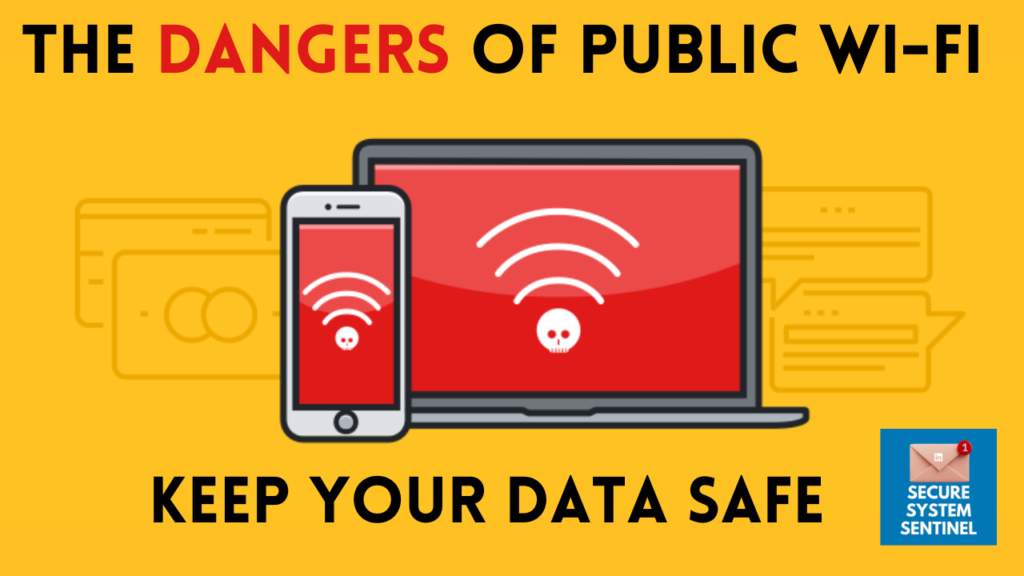
Public Wi-Fi can be convenient, but you should be cautious when using it for sensitive activities.
Avoid entering highly sensitive information on unfamiliar networks when possible.
For example, instead of accessing an important financial account over an unknown public network, consider using your mobile data or a trusted connection.
If you must use public Wi-Fi, be especially careful about the websites you visit and the information you enter.
10. Review App Permissions
Apps can sometimes ask for access to information or device features such as your camera, microphone, contacts, or location.
Before allowing permission, think about whether the app actually needs it.
For example, a navigation app may reasonably need location access, while a simple calculator app may not need access to your contacts.
Review permissions regularly and remove access that is unnecessary.
11. Be Careful With Emails
Emails can contain useful information, but they can also be used for scams and phishing.
Do not automatically trust an email simply because it uses a familiar logo or name.
Look at the sender’s address, check the wording, and be cautious if the message creates a sense of urgency.
For example, an email saying “Your account will be closed today” may be designed to make you act without thinking.
Instead of responding immediately, verify the information through the company’s official website or app.
12. Protect Your Phone
Your smartphone contains a lot of personal information, including messages, photos, contacts, accounts, and sometimes payment apps.
Use a secure screen lock such as a strong PIN, password, or supported biometric security.
Avoid leaving your phone unlocked in public places.
You should also enable device-finding features when available so that you have a better chance of locating your device if it is lost.
13. Be Careful With Online Shopping
Online shopping is convenient, but fake websites and misleading offers can put your personal information at risk.
Before buying something, check the website address, reviews, return policy, and contact information.
Be cautious when a product is offered at a price that seems unrealistically low.
For example, if an unknown website offers an expensive phone for a tiny fraction of its normal price, take time to verify the seller before making a payment.
14. Protect Your Email Account
Your email account is especially important because it is often connected to other online accounts.
If someone gains access to your email, they may try to reset passwords for your other services.
Use a strong, unique password and two-factor authentication. Keep recovery information updated and check for unexpected login alerts.
Treat your primary email account like a key to many other parts of your digital life.
15. Avoid Oversharing Online

Sometimes people share personal information without realising how much they are revealing.
A photo may show your workplace, school, location, documents, or other private details in the background.
Before posting something online, take a moment to look at the entire image and think about what it reveals.
For example, a photograph of a travel ticket might accidentally display booking information that should not be public.
16. Check Your Digital Footprint
Your digital footprint is the collection of information you leave behind when using the internet.
Old social media accounts, public comments, profiles, photos, and unused accounts can all become part of your online presence.
Search for your own name occasionally and see what information is publicly available.
You can remove old content or close accounts that you no longer need when appropriate.
17. Be Wary of Fake Profiles
Not everyone online is who they claim to be.
Fake profiles can sometimes be used to build trust and collect personal information.
Be careful if a new online contact quickly asks about your personal life, money, passwords, or private information.
If something feels unusual, take your time and verify the person’s identity through a trusted method.
18. Back Up Important Data
Privacy and security also involve protecting your important files.
Photos, documents, contacts, and other files can be lost because of theft, device damage, accidental deletion, or technical problems.
Keep backups of important information using a trusted storage method.
For example, you can keep important documents in a secure cloud service and maintain another backup for especially important files.
19. Be Careful With Public Computers

If you use a computer in a library, office, school, hotel, or another public place, avoid saving passwords or sensitive information.
Always log out of your accounts when you finish using the computer.
For example, after checking your email on a shared computer, make sure you sign out before leaving.
Do not assume that the next person will protect your account for you.
20. Think Before You Download
Files, apps, and software from unknown sources can create privacy and security problems.
Download software from trusted websites or official app stores whenever possible.
Be cautious with unexpected attachments, especially when you do not know the sender.
For example, an unknown email attachment promising a prize or document may not be worth opening.
Simple Online Privacy Habits
You do not need to remember dozens of complicated rules. Start with a few basic habits.
Use different passwords for important accounts. Enable two-factor authentication. Keep your devices updated. Check privacy settings. Avoid suspicious links. Share less personal information publicly. Think before downloading anything.
These small habits can become part of your normal digital routine.
How to Protect Your Privacy on Social Media
Social media privacy starts with knowing who can see your content.
Review your account settings and limit public information where possible. Be selective about friend requests and followers, especially from people you do not know.
Think carefully before sharing personal details, location information, workplace information, or private photographs.
You can still enjoy social media while being more selective about what you make public.
What to Do If You Think Your Information Is Compromised
Sometimes, despite our best efforts, an account or piece of information may become compromised.
If you notice unusual account activity, change the affected password immediately and enable additional security options. Check whether other accounts use the same password and change those too.
Review recent login activity where the service provides it and contact the relevant company through an official channel if necessary.
The faster you respond, the better your chances of limiting further problems.
FAQs
1. What is online privacy?
Online privacy means keeping your personal information safe and controlling what you share on the internet.
2. Why is online privacy important?
It helps protect your personal information, accounts, photos, and financial details from misuse.
3. How can I protect my personal information online?
Use strong passwords, enable two-factor authentication, avoid suspicious links, and share less personal information publicly.
4. How can I protect my privacy on social media?
Check your privacy settings, avoid sharing sensitive information, and be careful about unknown followers or friend requests.
5. What should I do if someone asks for my OTP or password?
Never share your OTP or password with anyone. Verify the request through the official website or app.
Smart Shopping Ideas for Better Deals and Everyday Savings
Look, let’s stop playing around with fancy headers, corporate blog structures, and robot transitions. Smart…
Useful Tech & Gadgets You’ll Want to Try in 2026
Let’s be completely real for a second. If you look at tech magazines, gadget review…

Simple Smart Living Ideas to Make Everyday Life Easier
Life does not always have to be complicated. Sometimes, a few small changes in the…

Helpful Digital Life Tips for Modern Everyday Living
Technology has quietly become part of our everyday routine. Digital Life We use our phones…

Fun Experiences and New Adventures Worth Trying in 2026
Sometimes, life starts feeling a little too predictable. We wake up, Experiences go to work…

Simple Style & Wellness Tips to Upgrade Your Everyday Lifestyle
Let’s stop rushing for just a single second. Seriously. Style & Wellness Put your phone…